

The divergence between stock Google Android and custom ROMs like LineageOS is fundamentally a philosophical one: proprietary control versus open source freedom. While Google provides the integrated experience, it relies heavily on non-free components (GApps) to function optimally.
This article serves as a reference guide for migrating away from these dependencies. We detail direct replacements for every major service category—from Google Play Services reimplementations like MicroG, to dedicated apps such as Joplin (Notes) and NewPipe (YouTube). Use this guide to map out your desired feature set and select the best FOSS counterpart before you even flash your next ROM!
One major note of warning is the giant binary blob that is Google Play Services provides several features which are (at the time of writing) difficult to replicate in open source solutions; notably the Play Integrity and Device Attestation.
Many banking applications require strict "device attestation" which is just a fancy term to check that the phone is running an operating system not under the user's control, but rather Google. This attestation generates a cryptographic signature of the hardware and operating system running, then sends that to Google servers to be signed before it is forwarded to the requesting server. If the hardware or operating system do not explicitly match Google's whitelist, the verification will fail.
This means that removing every Google service will prevent most banking apps from running! (Unless you go the extra mile and fully spoof these checks, but that requires a rooted phone and tampering with the operating system which ironically is exactly what device attestation is supposed to prevent........)
Quick jump to:
Authenticator | Calendar | Drive | Gmail | Keep | Maps | Meet | Messages | Password Manager | Photos | Play Services | Play Store | Youtube
Core services to provide device attestation, device authentication, and user tracking across a variety of applications
::: .blocks-2 ::: .block
::: ::: .block
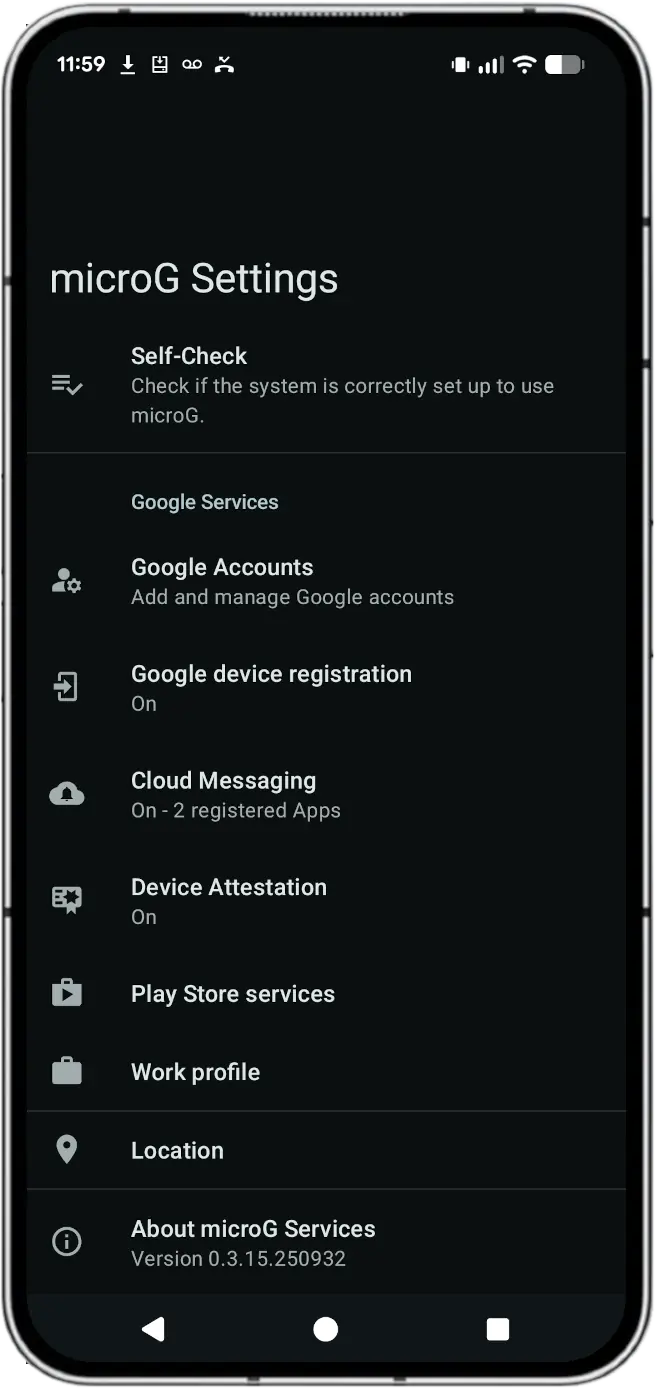
microG GmsCore is a free software reimplementation of Google's Play Services. It allows applications calling proprietary Google APIs to run on AOSP-based ROMs like LineageOS, acting as a free replacement for the non-free, proprietary Google Play Services (sometimes referred to as the more generic term "GApps").
GApps are implemented as a series of Java API calls that other applications can access. Since a fully de-googled phone won't have these libraries, any app which attempts to access these calls will fail with "implementation not found".
microG implements these calls, (such as com.google.android.gms.ads.measurement for example) as stub functions so the library technically exists, even if it doesn't do anything. This allows third party apps which connect to these APIs to at least run, (even if aren't actually able to retrieve advertisements to show, oh what a shame).
Installation: Add the microG F-Droid repository; this can be done by using F-Droid to scan the QR code via Settings -> Repositories.
::: :::
Even with a FOSS implementation of many Google Play services, some apps (notably banking apps) will probably not run as they cannot verify via device attestation. Well, more specifically these apps will run and there's no technical limitations preventing them from functioning, but they are artificially preventing their apps from running if the attestation fails.
The official digital storefront to safely download apps, games, and digital content.
::: .blocks-2 ::: .block
::: ::: .block
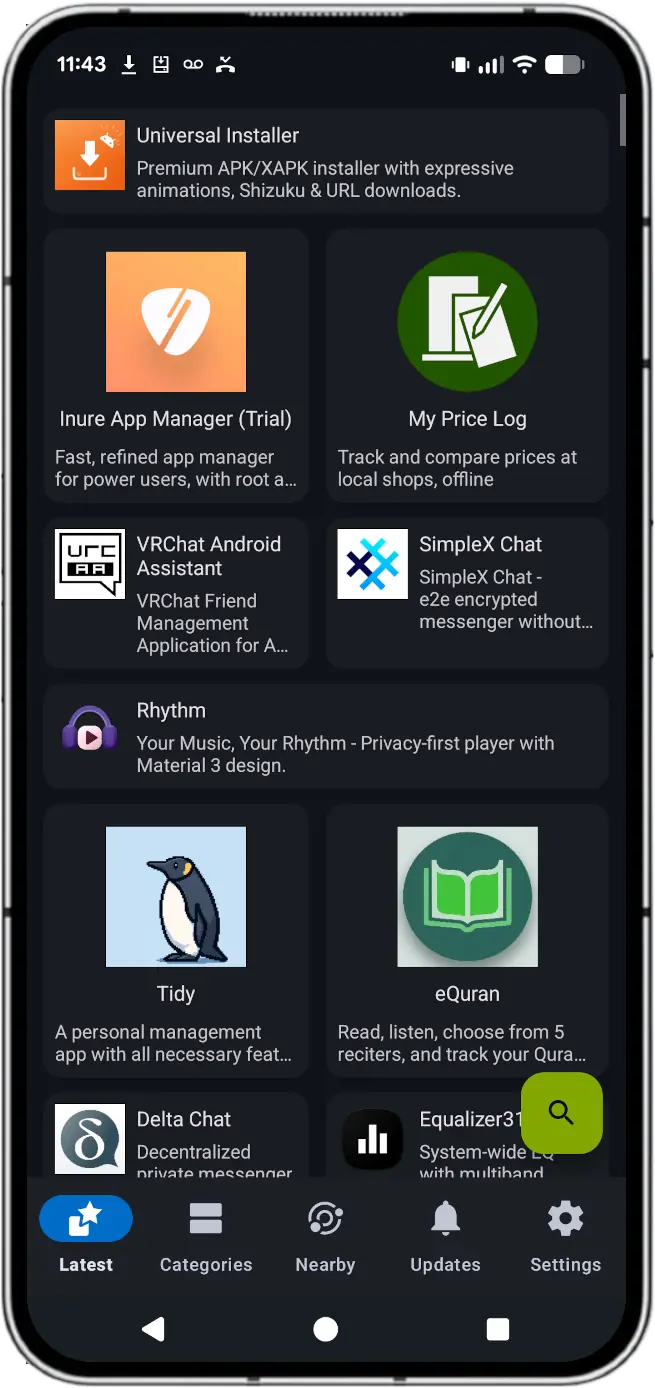
F-Droid is a repository of Free and Open Source Software (FOSS) for the Android operating system. It provides a way to discover and install apps that are:
Key highlights:
Installation: Download and install the apk directly from f-droid.
::: ::: .block
::: ::: .block
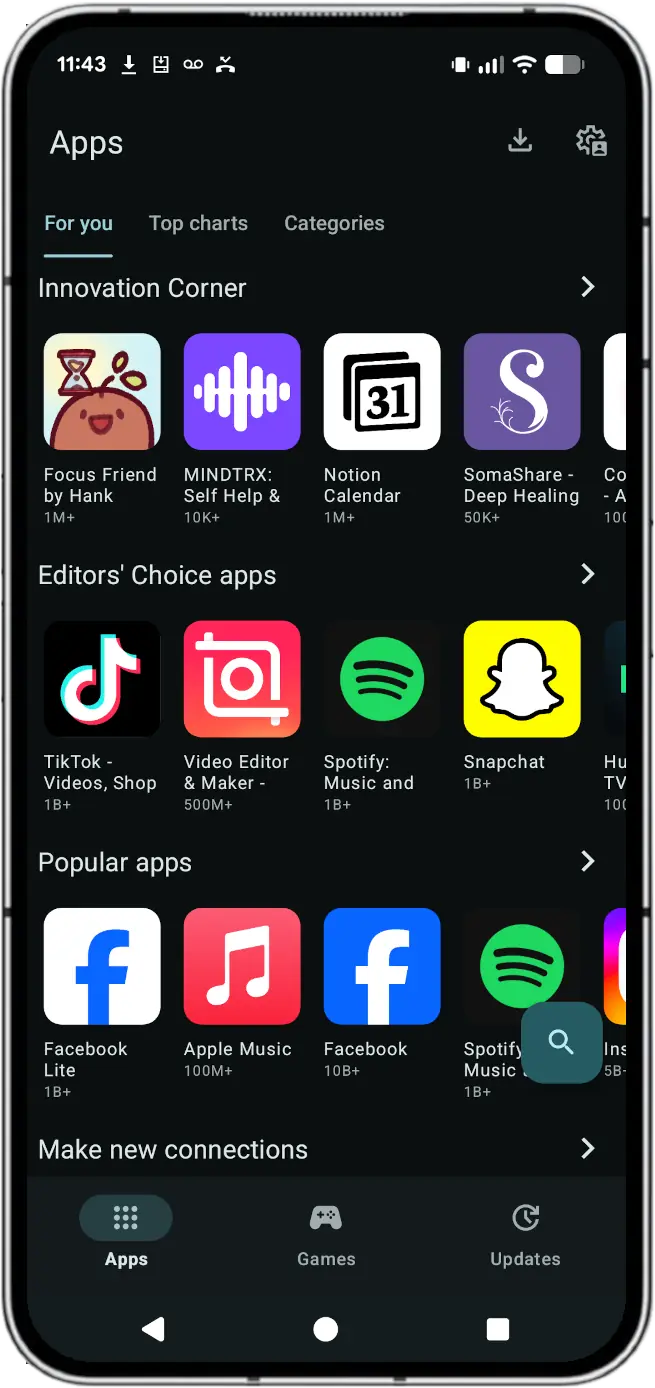
A powerful storefront that allows you to search and download applications from the official Google Play Store. It provides a way to access the vast majority of Play Store apps while remaining independent of Google Play Services.
Installation: Install via F-Droid
::: :::
The default email client used to sync Google accounts and external mail services.
::: .blocks-2 ::: .block
::: ::: .block
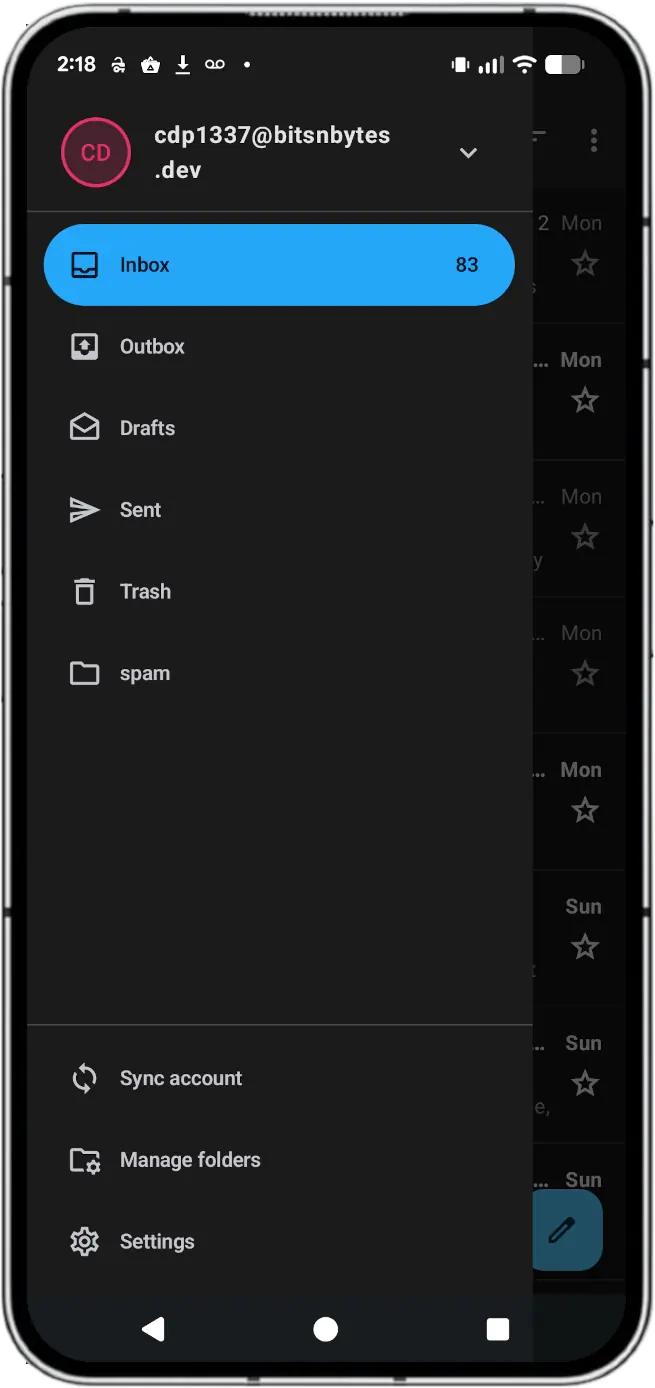
Consolidate all your email apps into one powerful app that respects your privacy and freedom. View messages separately or in one unified inbox.
Advanced users who want the highest level of privacy can send and receive encrypted emails using the OpenPGP standard when paired with the free and open source OpenKeychain app. Even your email provider won’t have access to your messages.
Installation: Install via F-Droid
::: :::
The main application for standard SMS, MMS, and feature-rich RCS texting.
The standard messages application handles SMS and MMS out of the box but RCS is a straight up scam. True RCS was attempted and implemented by various carriers but they could not agree on an inter-carrier transport mechanism. Google stepped in and implemented their Jibe network (literally just a SIP network with Google-controlled encryption) and slapped the word "RCS" on it.
As such, to date there are no open source apps authorized to communicate on Google's proprietary Jibe network.
::: .blocks-2 ::: .block
::: ::: .block
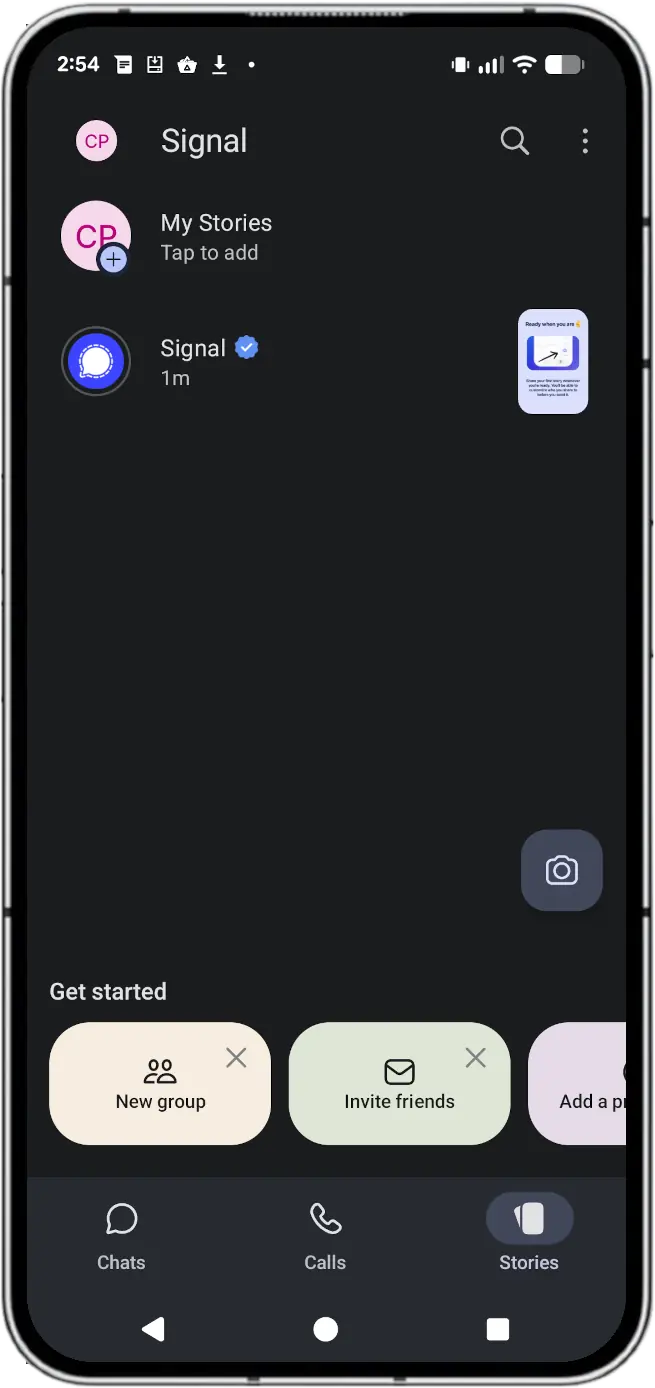
Say "hello" to a different messaging experience. An unexpected focus on privacy, combined with all of the features you expect.
State-of-the-art end-to-end encryption (powered by the open source Signal Protocol) keeps your conversations secure. We can't read your messages or listen to your calls, and no one else can either. Privacy isn’t an optional mode — it’s just the way that Signal works. Every message, every call, every time.
Installation: Install via Aurora Store
::: :::
Secure cloud storage used to store files, share folders, and back up device settings.
::: .blocks-2 ::: .block
::: ::: .block
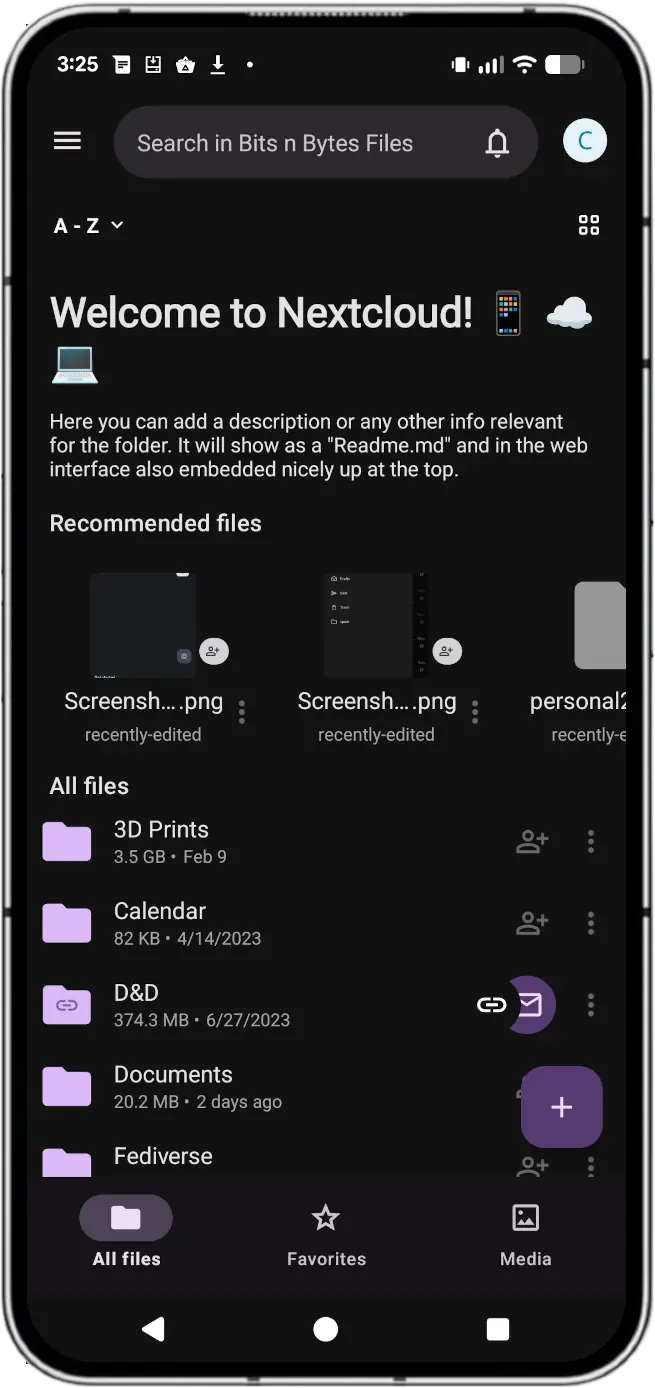
Nextcloud Files offers a self-hosted file storage and sync platform with powerful collaboration capabilities with desktop, mobile and web interfaces.
With over 400,000 deployments, Nextcloud is the most popular on-premises content collaboration platform you can download. It scales from a Raspberry Pi with 2 users to globally distributed installations with tens of millions of users at major hosting providers.
Installation: Install via F-Droid
::: :::
The premier photo application responsible for nagging users to send send Google their private photos and will even do it without their consent.
::: .blocks-2 ::: .block
::: ::: .block
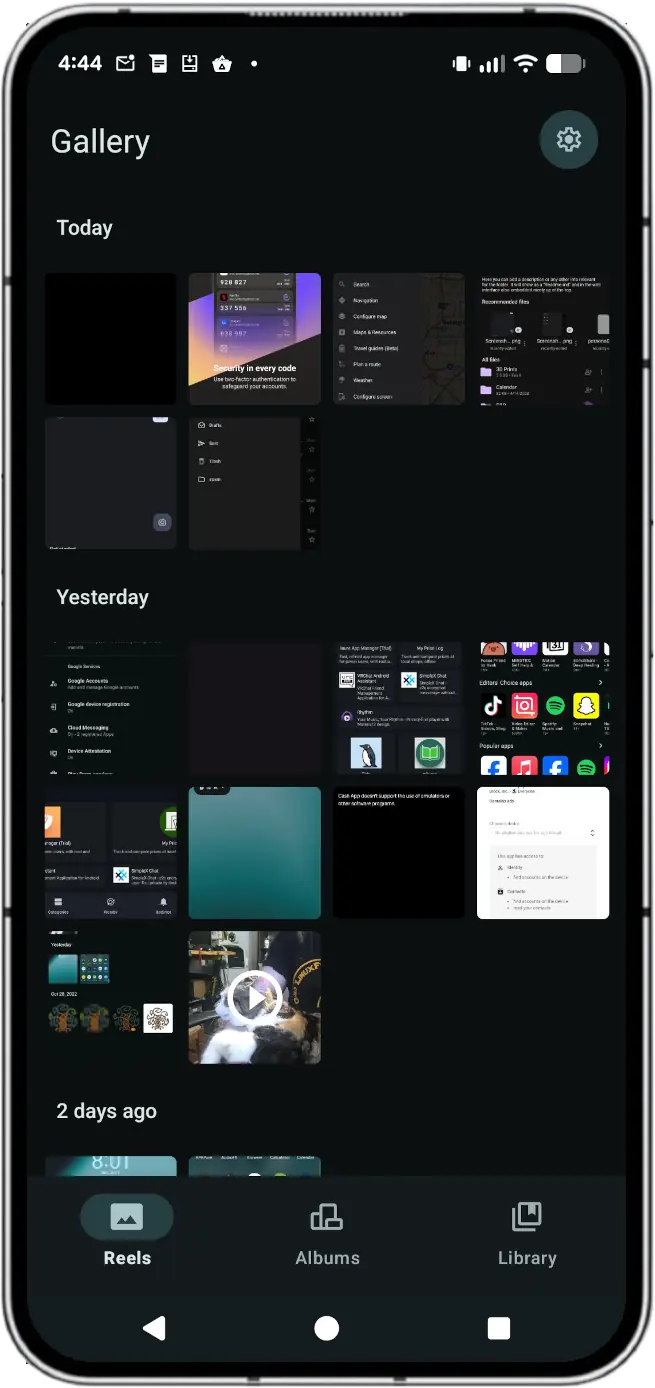
The default gallery application included in LineageOS. It is a clean, lightweight tool for viewing and performing basic edits on your photos and videos without the telemetry associated with Google Photos.
This application supports viewing of local photos and videos plus basic editing of photos.
(This application does pair very well with Nextcloud for synchronizing your photos to your private cloud!)
Installation: None required; base package in LineageOS
::: :::
Cloud-synchronized schedule coordinator built directly into the operating system's Google services layer.
::: .blocks-2 ::: .block
::: ::: .block
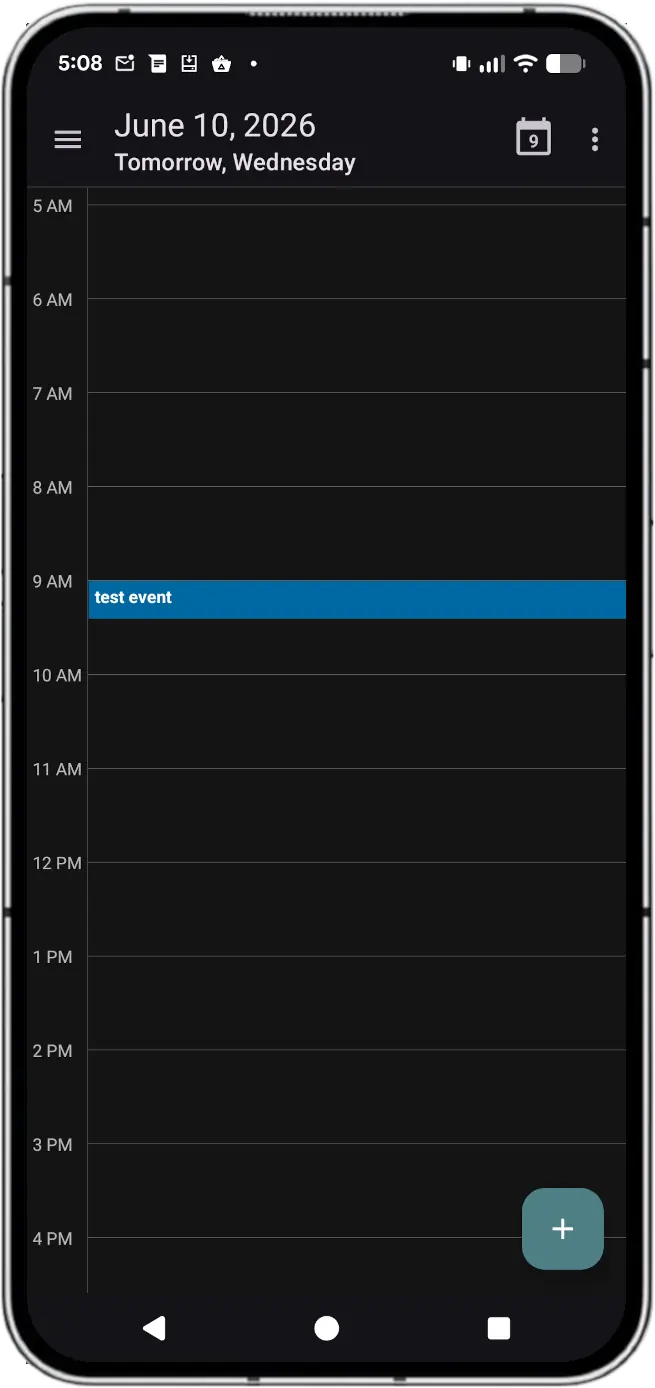
The default calendar application from LineageOS. Provides functionality to manage your calendar events. Supports integration with sync services like DAVx for support for Nextcloud calendars.
Note: DAVx5 is a utility to synchronize a variety of resources such as contacts, calendars, and files from a standard webdav server such as Nextcloud. This application is also available from F-Droid, and is highly recommended if you run Nextcloud.
Installation: None required; base package in LineageOS
::: :::
A mapping tool providing real-time GPS navigation, transit data, and local business reviews.
::: .blocks-2 ::: .block
::: ::: .block
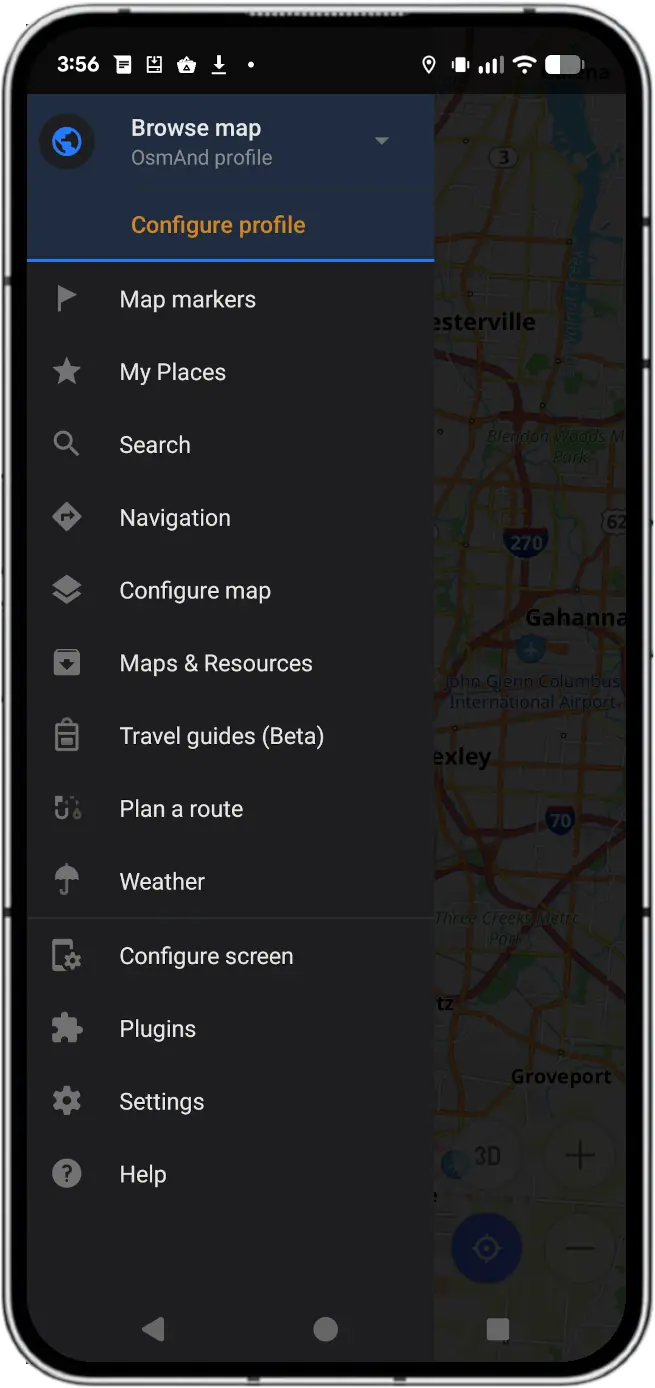
OsmAnd (OSM Automated Navigation Directions) is a map and navigation application with access to the free, worldwide, and high-quality OpenStreetMap (OSM) database. All map data can be stored on your device's memory card for offline use. Via your device's GPS, OsmAnd offers routing, with optical and voice guidance, for car, bike, and pedestrian usage. All main functionalities work both online and offline (no internet needed).
Installation: Install via F-Droid; search for "OsmAnd~"
::: :::
Authenticator is a tool to generate time-based one-time-keys for use in 2FA applications.
::: .blocks-2 ::: .block
::: ::: .block
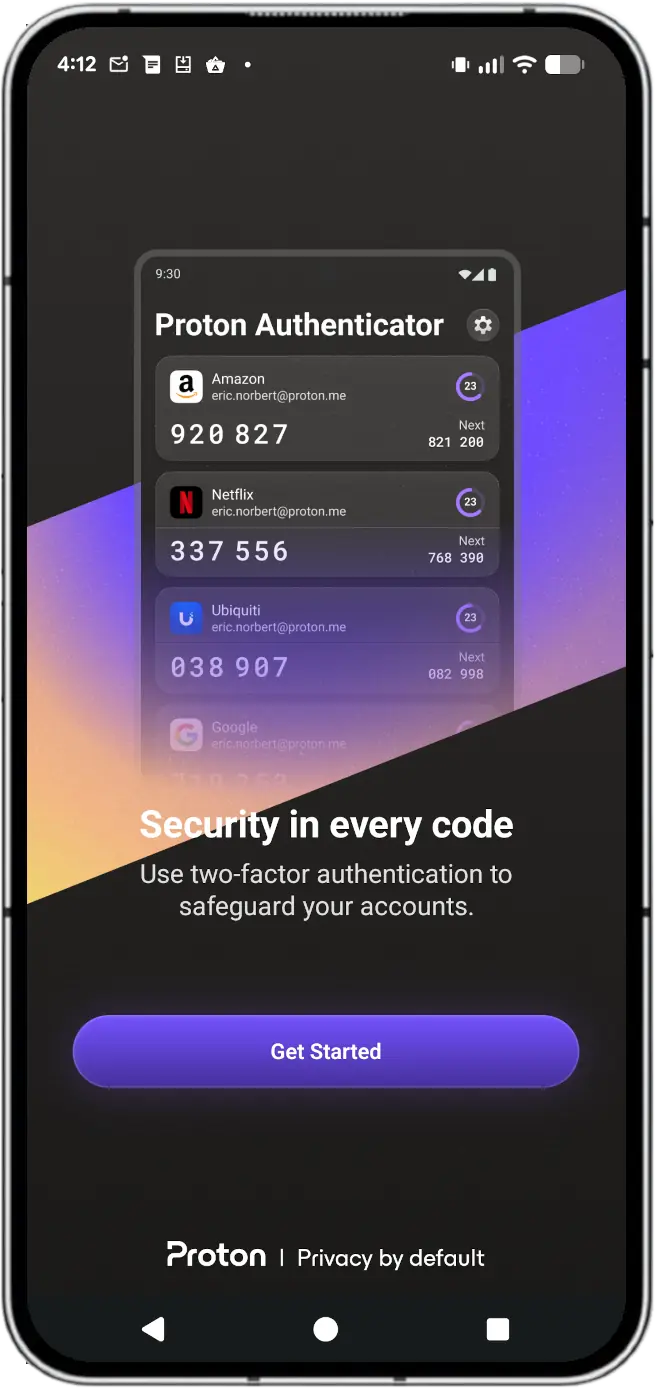
A secure, open-source two-factor authentication (2FA) app for iPhone, iPad, iPod, Apple Watch, Mac, Android, Linux and Windows. Securely sync and easily back up your 2FA codes.
Share your 2FA codes with other devices via a manual export/import file sync to allow the same codes to be available on both your phone and computer!
Installation: Install via F-Droid
::: :::
On an Android device, it is not a traditional app you download from the Play Store. Instead, it is built directly into the operating system as part of Google Play Services.
::: .blocks-2 ::: .block
::: ::: .block
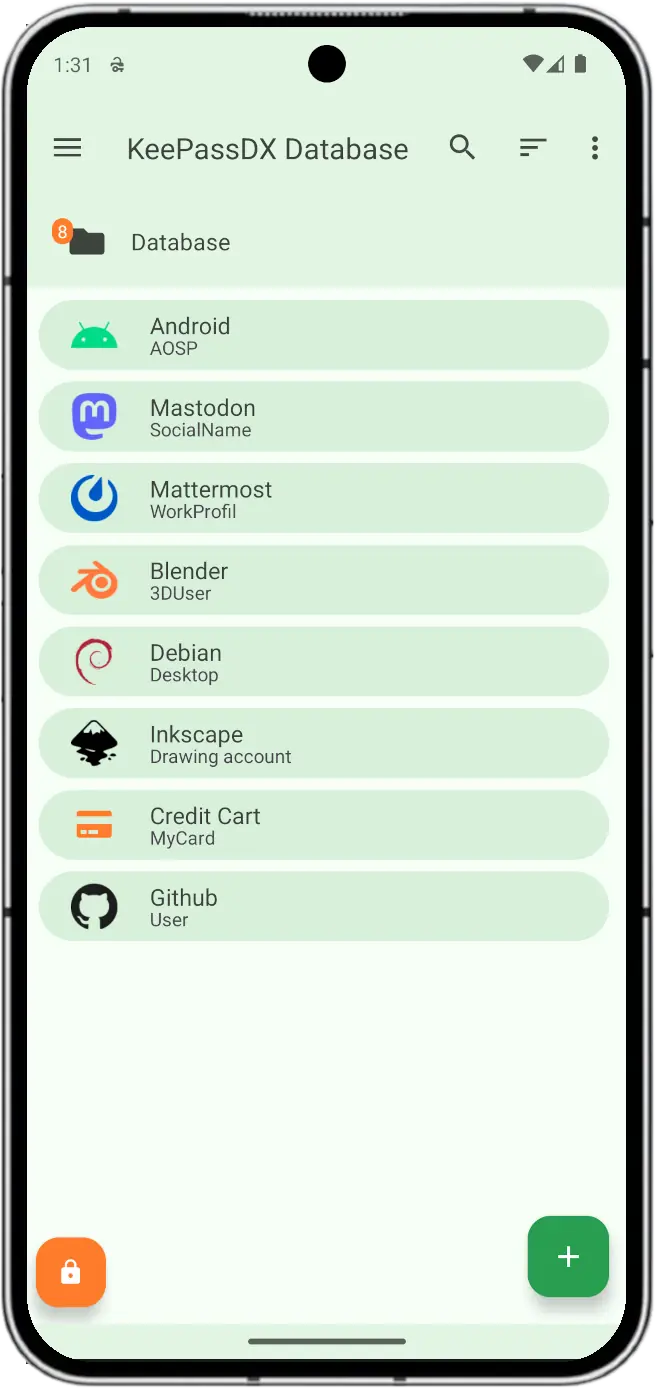
Data resides in a database file with a single access point, giving you full control over where it’s stored and backed up.
No internet connection is required. The database is stored in an encrypted KeePass file using configurable secure algorithms.
The source code is open to the public and transparent, fully auditable by the community, and contains no ads or data tracking.
This application fully integrates with Android for embedded password usage within other applications. Log into email and it will open a pop-over with KeePassDX to allow you to select the password from your private password store.
Local password database only, but pairs very well with Nextcloud sync to keep your private database secure and accessible to all your devices.
Installation: Install via F-Droid
::: :::
That application which you didn't even know was running until you get a spam call from a weird application which you have never used before.
::: .blocks-2 ::: .block
::: ::: .block
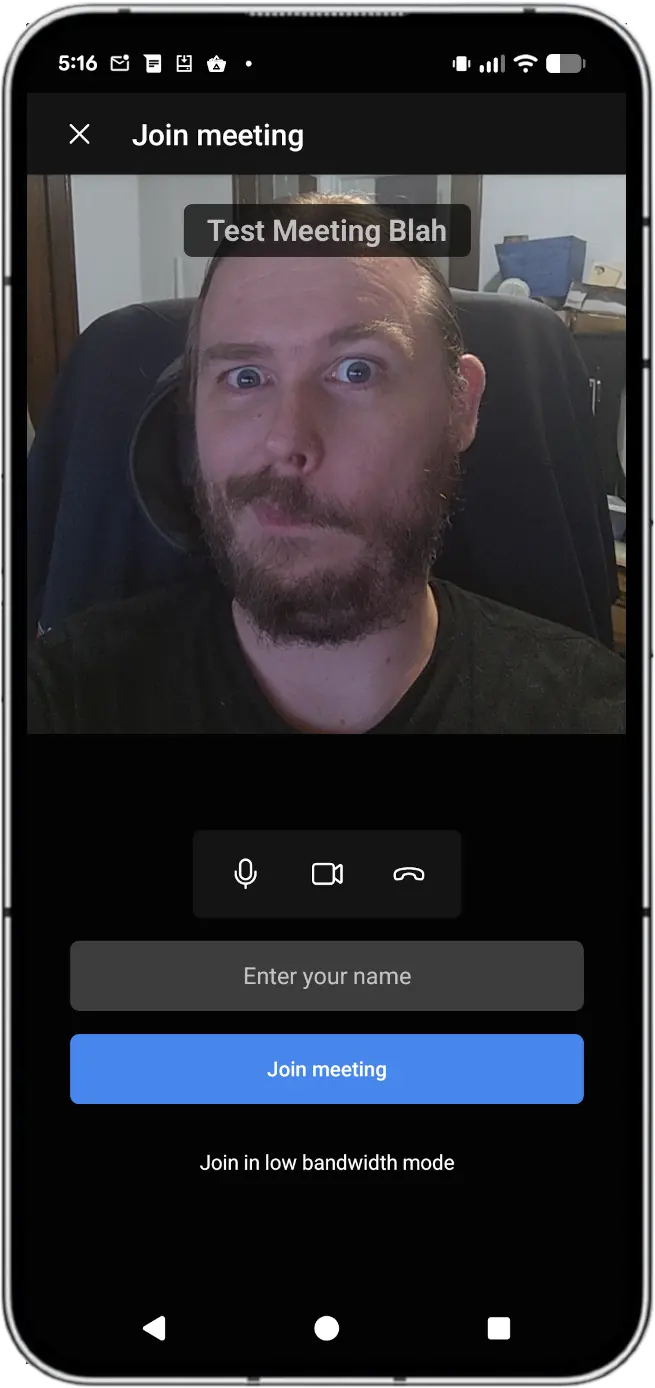
Jitsi Meet is a set of Open Source projects which empower users to use and deploy video conferencing platforms with state-of-the-art video quality and features.
Amongst others here are the main features Jitsi Meet offers:
And many more!
Installation: Install via F-Droid
::: :::
Because why just use a web browser for a web application when you can use a web browser wrapped in an APP!
::: .blocks-2 ::: .block
::: ::: .block
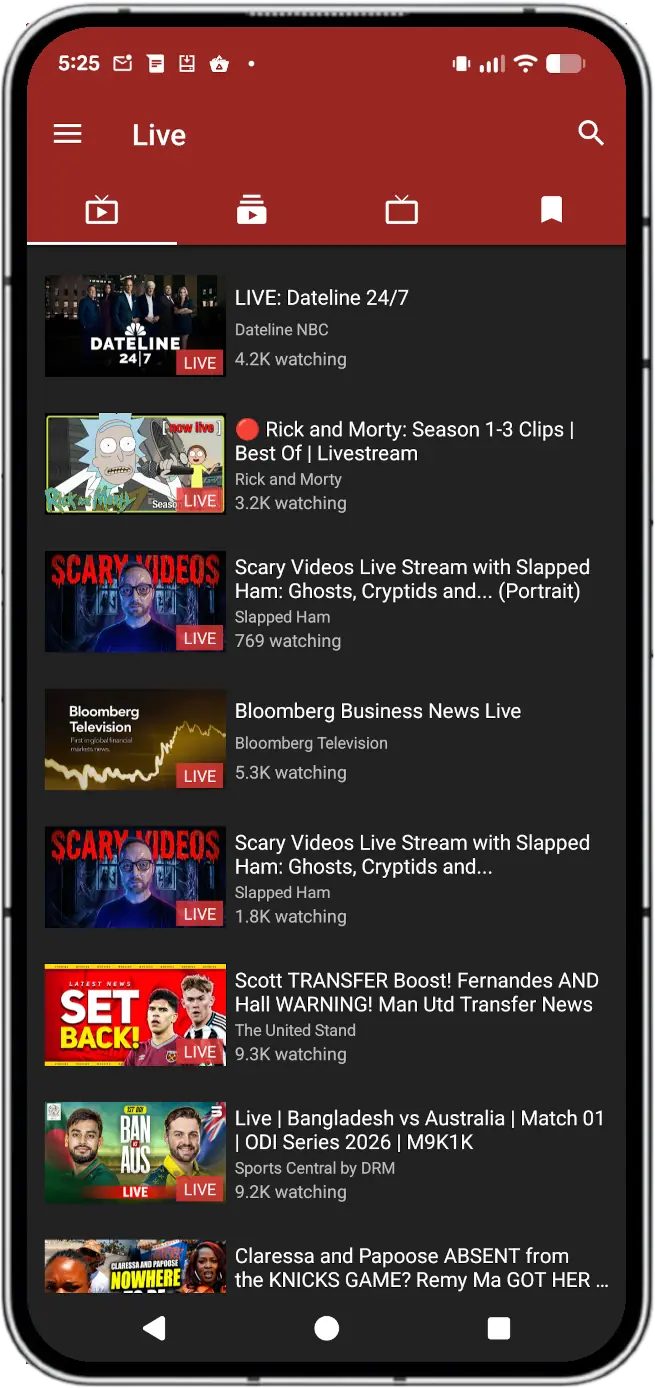
Do you like watching videos on YouTube but want an intuitive, feature-rich and privacy friendly app for that?
NewPipe has been created with the purpose of getting the original YouTube experience on your smartphone without annoying ads and questionable permissions.
Installation: Install via F-Droid
::: ::: .block
::: ::: .block
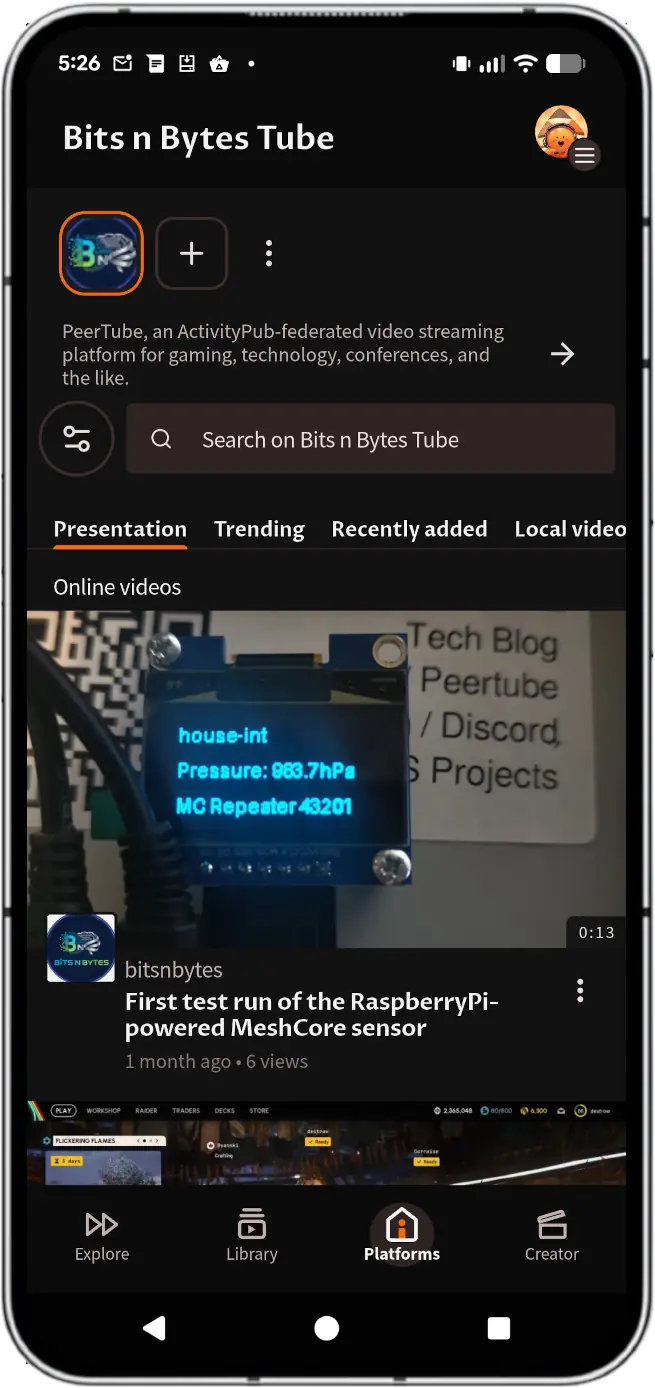
PeerTube is a tool for sharing online videos developed by Framasoft, a french non-profit.
With PeerTube, no more opaque algorithms or obscure moderation policies! PeerTube platforms you visit are built, managed and moderated by their owners.
PeerTube allows platforms to be connected to each other, creating a big network of platforms that are both autonomous and interconnected.
Installation: Install via F-Droid
::: :::
A lightweight, cloud-synchronized note-taking app that allows you to quickly capture thoughts, create checklists, save photos, and set reminders across your devices
::: .blocks-2 ::: .block
::: ::: .block
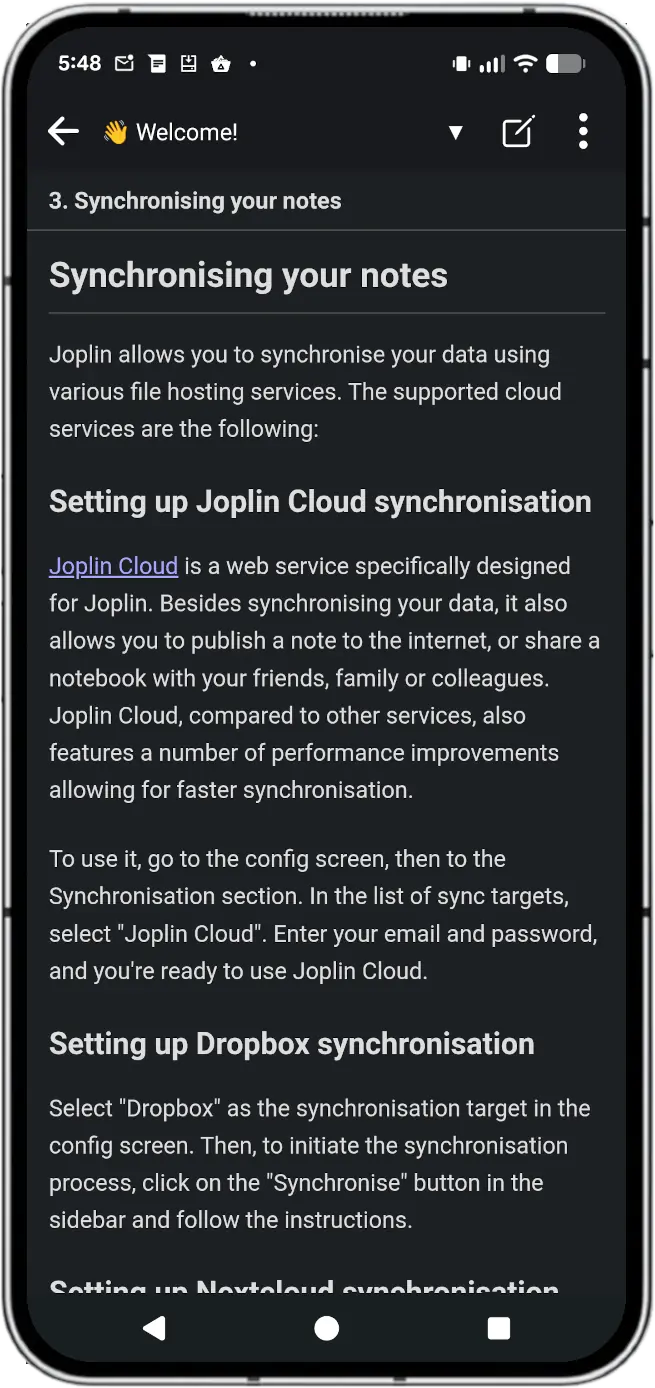
Joplin is an open source note-taking app. Capture your thoughts and securely access them from any device.
Images, videos, PDFs and audio files are supported. Create math expressions and diagrams directly from the app. Take photos with the mobile app and save them to a note.
The app is open source and your notes are saved to an open format, so you'll always have access to them. Uses End-To-End Encryption (E2EE) to secure your notes and ensure no-one but yourself can access them.
Notes within Joplin are stored locally on your device, but they do offer paid cloud services and offer free sync to your private Nextcloud cloud for sharing of notes between all your devices.
Installation: Install via F-Droid
::: ::: .block
::: ::: .block
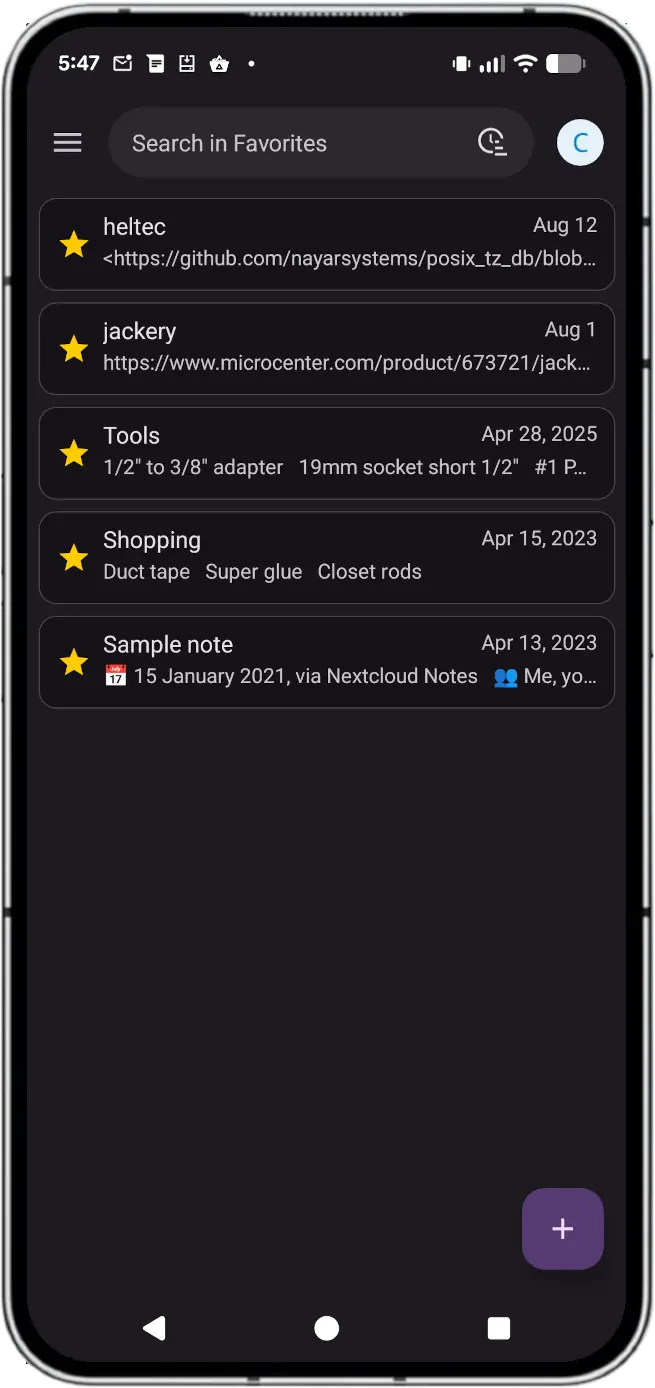
The Notes app is a distraction free notes taking app for Nextcloud. It provides categories for better organization and supports formatting using Markdown syntax. Notes are saved as files in your Nextcloud, so you can view and edit them with every Nextcloud client. Furthermore, a separate REST API allows for an easy integration into apps (Android, iOS, as well as 3rd-party apps which allow convenient access to your Nextcloud notes). Further features include marking notes as favorites.
These notes are very basic notes; just a label and body for each note. This is fine for very simple use, but users wanting more advanced tools like tagging and metadata for your notes may prefer Joplin.
Installation: Install via F-Droid
::: :::
Now that you've seen some alternatives and are aware of some of the potential issues of stripping Google from your phone, are you ready to try LineageOS? As part of our series on LineageOS we have an article describing the steps you need to take to replace stock Android with Lineage. Go check out our instructions for installing LineageOS on an Android phone if you're ready to take the plunge into a truly open Android experience!
If you may have noticed by now, Nextcloud plays a major role in fully de-googling your device without sacrificing "cloud" synchronization support. Nextcloud offers sync and backup of virtually everything on your phone, all to your private cloud!
If we missed a killer app you think should be included in this list, let us know in the comments on the Fediverse and we'll look at adding it!